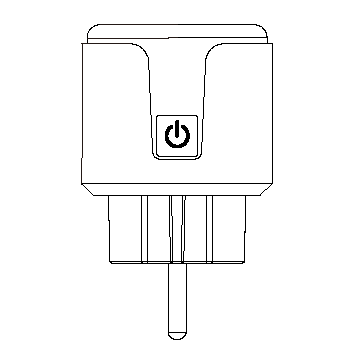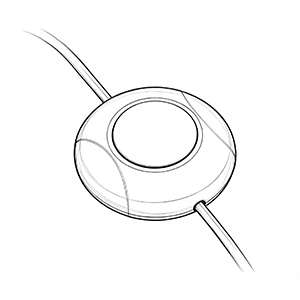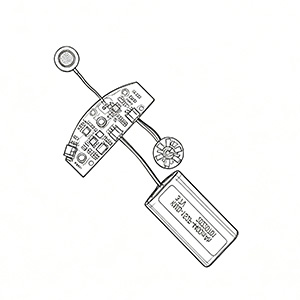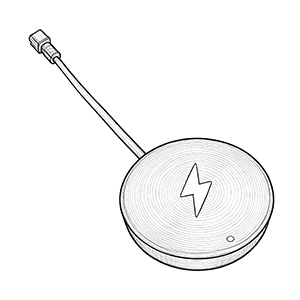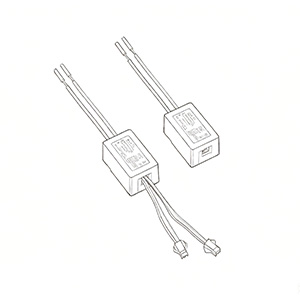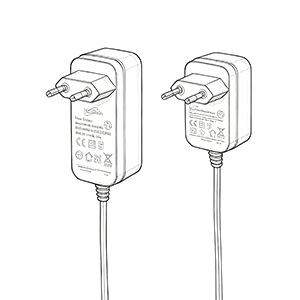
Generally, the indicator light on a power adapter simply shows whether it is operating normally. If the light starts blinking, there could be several reasons. It might be caused by internal instability, likely due to fluctuating internal voltage. It could also be due to poor contact with the power outlet, or external voltage being too high or too low. Furthermore, it might be triggered by an external short circuit or overload causing repetitive restarting (hiccup mode). Alternatively, if the output is normal but the light still blinks, it could be an issue with the LED itself. These are all potential causes for a blinking power adapter light.
When troubleshooting, first use a multimeter to check if the power outlet is functioning correctly and whether the supply voltage is within the standard range (e.g., around 220V, generally not exceeding the 100–240V limit). If the mains voltage is abnormal, it is recommended to test the adapter in a different environment.
1. Use a multimeter to check if the output voltage and current of the power adapter match the specifications labeled on the nameplate. If they do not match, and the mains voltage is within the normal range, it can be determined that the power adapter is faulty and needs to be replaced.
2. If the above checks are normal and the device is a laptop, we can remove the laptop battery and disconnect the power adapter. Press and hold the laptop's power button for 5 seconds, repeating this 3 times. After discharging any residual power from the laptop, plug in only the power adapter and test if it powers on. If the powered device is something else, you can refer to a similar method.
3. If the problem persists, we need to inspect the DC interface to see if there is any damage, such as looseness or physical deformation. It is recommended to try replacing the DC plug/head.
4. An internal failure in the power supply can cause the adapter to exhibit a "hiccup" phenomenon. This is mostly due to failed filter capacitors, which can be resolved by replacement.
Power Adapter Indicator Light Does Not Turn On
1. If the indicator light on the power adapter does not turn on, it may be because the adapter is not connected to the outlet, there is no power at the outlet, or the adapter itself is broken.
2. Check if the external adapter is properly connected to the device and if it is working normally. If the issue cannot be identified, it is recommended to take it to a professional repair shop for inspection or replace the power supply.
3. Additionally, you can use a multimeter to check if the output voltage of the power adapter is normal, check for any loose plugs, and try power cycling the device to see if the fault is cleared. If everything is normal but the light still doesn't turn on, it is possible that the indicator light has aged or failed.
If the power adapter indicator light keeps flashing, it is usually caused by internal instability, likely due to fluctuating internal voltage. In this case, it is recommended not to use the power adapter. This situation is often caused by quality failures within the power supply, such as cracks or bulging in the built-in large rectifier capacitor.

Add WeChat

Official Account